WhatsApp to Facebook Workflow

Your Facebook posts, published from WhatsApp

You already run your business from WhatsApp. Now your marketing can run from there too. Send a message, get a designed post, approve it, and watch it go live on Facebook without touching a dashboard.

Start Publishing from WhatsApp
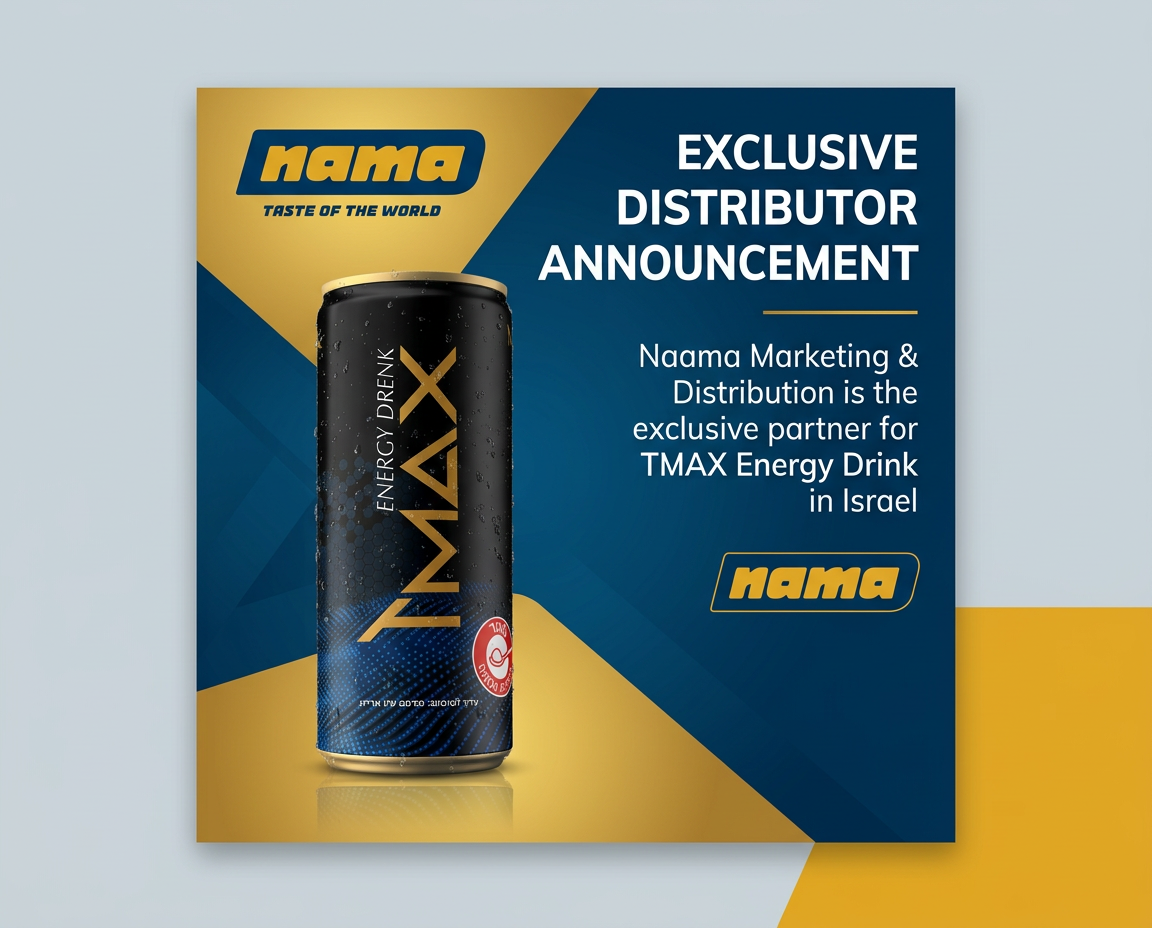
AI-generated Facebook post design created and published from WhatsApp using Adly AI
✓ Published to Facebook from chat
Quick answer

Publishing to Facebook from WhatsApp is possible through Adly AI, an all-in-one AI marketing platform. The owner sends a text or voice note inside WhatsApp describing a promotion or post idea. Adly generates the design and copy, presents them for approval in the same chat, and then publishes the approved content directly to the connected Facebook page. The entire workflow stays inside WhatsApp: no browser tab, no design tool, no separate scheduling app. This is not a simple bot or notification relay. Adly in WhatsApp is a full marketing workspace that uses the same account, brand profile, and publishing pipeline as the web dashboard, accessed entirely through chat.

The old way most SMBs still use today

Most small business owners manage their marketing through WhatsApp already. Not because it is the best tool, but because it is the one they are always in. The typical workflow looks like this:

You (the owner)
Can you make a post for the weekend sale? 30% off everything.
Designer / Agency
Sure, I'll send you something tomorrow morning.
Can you change the font? And make the discount bigger.
Updated. Also, what caption do you want?
Just write something good. Post it today please.
Posted! Let me know if you need anything else.
This costs time, money, and a lot of back-and-forth

The rhythm is familiar. The problem is the dependency. Every post needs a person in the middle. Adly removes that person and replaces them with AI, while keeping the exact same WhatsApp-first workflow you already know.

The Adly workflow: WhatsApp to Facebook in 5 steps

This is how a real post goes from a chat message to a live Facebook post using Adly in WhatsApp.

1

Connect your Adly account to WhatsApp

Open your Adly account and activate Adly in WhatsApp. This links your existing brand profile, credit balance, and connected Facebook page to a WhatsApp workspace. You do not create a new account. Everything you have set up in Adly, your brand colors, logo, tone of voice, and social connections, carries over automatically.

One-time setup. No technical steps required.
2

Describe your post by message or voice note

Open the WhatsApp chat and tell Adly what you need. You can type it out or send a voice note. Something like: "Make a post for our Friday sale, 20% off all shoes, use the brand colors." No prompt engineering. No templates to fill in. Just talk the way you would talk to a designer.

Works in Arabic, English, and Hebrew.
3

Adly generates the design and caption

Adly creates a branded post image using your brand profile: your logo, colors, and visual style. It also writes the caption with the right tone. Both land in the same WhatsApp chat, ready for you to review. If you want changes, say so in plain language. Adly revises and sends a new version.

Design and copy generated together, not separately.
4

Approve the post in chat

When you are happy with the design and caption, reply to approve. This is the same approval moment you already do with your agency, except it takes seconds instead of a day. You stay in control of what goes out. Adly never auto-posts without your sign-off.

Your approval triggers the publish action. Nothing goes live without it.
5

Post goes live on Facebook

Adly publishes the approved post directly to your connected Facebook page. You get a confirmation in the chat. The post appears in your Adly publishing calendar too, so you have a full record of everything that went out. You can also choose to schedule it for a specific time instead of posting immediately.

Published to Facebook feed. Scheduling available.

This same workflow also handles posting to Meta automatically across both Facebook and Instagram when both are connected to your Adly account.

What you can actually do from WhatsApp

Adly in WhatsApp is not a stripped-down bot. It is the same platform you get on the web, accessed through chat. Here is what business owners are using it for right now:

  • Create announcement posts, product sale graphics, and promotional images with brand context built in
  • Generate short video ads and motion reels from a product photo or idea
  • Write ad copy and captions in the right tone for your audience
  • Publish approved content to Facebook and Instagram feed or stories
  • Launch paid Meta campaigns from approved creatives without opening Ads Manager
  • Schedule posts for specific days and times from the chat
  • Manage leads and follow up with customers captured from landing pages

For a broader look at what is possible, see how AI social media manager on WhatsApp handles the full content and publishing cycle from a single chat interface.

Adly in WhatsApp vs. the way most businesses work today

What needs to happen Traditional agency or freelancer Adly in WhatsApp
Brief the post idea WhatsApp message to designer, wait for acknowledgment WhatsApp message or voice note to Adly, immediate
Get a design back Hours to 1 day turnaround Under 60 seconds, brand-matched
Request revisions Back-and-forth over chat, another wait Plain-language reply, revised instantly
Write the caption Ask separately or write it yourself Generated alongside the design, editable in chat
Approve and publish Send final approval, wait for designer to post Approve in chat, Adly publishes to Facebook directly
Schedule for later Coordinate timing separately Set date and time in the same conversation
Monthly cost Agency retainer or per-post fee Adly plan credit, no per-post agency fee

Real content created and published through Adly

These are actual outputs from Adly's AI creation engine, the same results you get from a WhatsApp message.

Product video ad
Animated brand reel
UGC-style video ad

Once you have video content like this approved in WhatsApp, you can go further and handle scheduling to Meta and Instagram automatically for the full week from the same chat session.

Common questions before getting started

? Does my Facebook page need to be connected first?
Yes. You connect your Facebook page to Adly once during setup, either on the web dashboard or guided through the WhatsApp workspace. After that, every approved post can go directly to that page from chat. You can also connect Instagram at the same time if you want to publish to both.
? Is Adly in WhatsApp a separate product I need to buy?
No. Adly in WhatsApp is part of your Adly account. It uses the same brand profile, credits, and connected social accounts you already have. You activate it from within your Adly account. There is no separate subscription or additional setup fee.
? What is the difference between Adly in WhatsApp and a WhatsApp Bot?
Adly in WhatsApp is your marketing workspace as the business owner. You use it to create content, approve designs, and publish to Facebook. The Adly WhatsApp Bot is a separate product for your customers: it sits on your brand's WhatsApp Business number, answers customer questions automatically, captures leads, and handles booking intake. Two different tools for two different jobs.
? Can I manage multiple brands from WhatsApp?
Multi-brand management is available on the Growth plan. If you run a single business, any plan that includes Adly in WhatsApp gives you full access to that brand's content creation and publishing workflow from chat. For agencies or owners with multiple brands, the Growth plan handles them all from the same workspace.
? What if I want to set up automated posting without approving each time?
Adly supports scheduled publishing so you can plan posts in advance and have them go live at set times. For a fully automated content calendar, explore how to set up WhatsApp automations with AI inside Adly. You can also build a content plan from chat and schedule the whole week in one session, then let Adly handle the publishing timing.
? Can I also manage my brand's content and assets from WhatsApp?
Yes. Beyond publishing, you can use the WhatsApp workspace to review and manage brand content, request new designs, and keep your brand library updated. The guide on how to manage brand content from WhatsApp chatbot walks through the full content management side of this workflow.

Your Facebook page should not wait on anyone's schedule

Every day you spend chasing a designer or waiting for a post to go up is a day your competitors are showing up in the feed and you are not.

Adly puts the entire creation and publishing workflow inside the app you already use all day. One message. One approval. One published post.

Connect your Facebook page, set up your brand profile, and run your first post from WhatsApp today. The setup takes minutes. The time you save starts immediately.

Open Adly and Start Free