Updated August 2026. This guide reflects how Meta's ad auction, creative fatigue signals, and AI generation tools actually behave in 2026. The short answer: AI ads are not the problem. Brandless, context-free AI ads are. Here is how to tell the difference and fix it.
2026 Guide, Updated August

AI Ads in 2026

Are AI Ads Killing Your Campaigns? Here Is the Real Answer.

Marketers are getting two completely different results from AI-generated ads. Some are scaling campaigns faster than ever. Others are watching CPMs climb and ROAS collapse. The difference is not the AI. It is how the creative gets made.

AI-generated ad creative example from Adly showing a polished branded layout
Built with Adly AI

4 Signs Your AI Ads Are Working Against You

These are the patterns that show up when AI creative is being used without brand context, strategy, or a real approval process.

01

Frequency spikes, results drop

Your audience sees the same AI visual 8 times in 5 days. Creative fatigue sets in fast when you ship one generic asset and let Meta run it into the ground.

02

Clicks but zero conversions

The AI wrote a compelling hook, but the landing page speaks a completely different brand language. The disconnect kills trust at the moment it matters most.

03

Every ad looks like a competitor

Generic AI prompts produce generic outputs. If your ad could belong to any brand in your category, Meta's algorithm has no signal to optimize toward your specific buyer.

04

No approval, no accountability

Blind auto-posting means a poorly written offer or an off-brand visual goes live before anyone reviews it. One bad ad can cost more than a month of budget.

Concise Answer for Marketers

AI ads are not inherently bad for campaign performance. The damage comes from three specific failure modes: generating creative without brand context so every ad looks generic, skipping human review so off-brand or inaccurate copy goes live, and producing too few creative variants so Meta's auction burns through your audience before you can refresh. When AI ad tools include brand memory, structured approval steps, and the ability to generate multiple variants quickly, campaigns tend to improve rather than suffer. The platforms that cause problems are the ones that treat ad generation as a one-click output with no workflow attached.

The Real Distinction

Generic AI Ads vs. Brand-Aware AI Ads

This is not a debate about AI versus human creativity. It is about whether your AI tool knows your brand before it generates anything.

What the ad needs Generic AI output Brand-aware AI (Adly)
Brand voice and colors Missing Pulls from a generic style library Built in Brand profile powers every output
Creative variants for testing Slow One output per prompt, manual iteration Fast Multiple takes and versions per job
Human approval before publishing Often skipped Auto-post is the default Mandatory Design and copy both require approval
Video ad formats (UGC, motion, multi-scene) Limited Usually static or basic animation Full suite UGC, talking characters, Scene Studio
Campaign launch from the same tool No Export and re-upload to Ads Manager Yes Launch Meta campaigns from approved assets
Landing page consistency Disconnected Separate tool, separate brand logic Unified AI landing pages from the same brand context

Real Outputs, Real Campaigns

What Brand-Aware AI Ads Actually Look Like

These are live outputs from Adly, not stock demos. The difference in quality is visible before you read a single word of copy.

UGC-style video ad, generated in Adly. Actor, script, and pacing all produced from a single brief.

Authentic, not artificial-looking

UGC video ads from Adly use a real actor library with natural delivery. The result feels like a creator post, not a corporate production, which is exactly what stops the scroll on Meta feeds in 2026.

Script and visual from one brief

You write a product brief. Adly generates the actor performance, spoken copy, and visual treatment together. No separate copywriting session, no re-upload loop.

Ready for Meta in the same session

Once you approve the design and copy inside Adly, you can launch a Meta campaign directly. No switching tools, no re-uploading assets, no broken handoff between creative and media buying.

Explore the UGC AI video generator

Creative Variety

Ad fatigue accelerates when you run one creative for weeks. Adly lets you generate fresh variants across formats without starting from scratch each time.

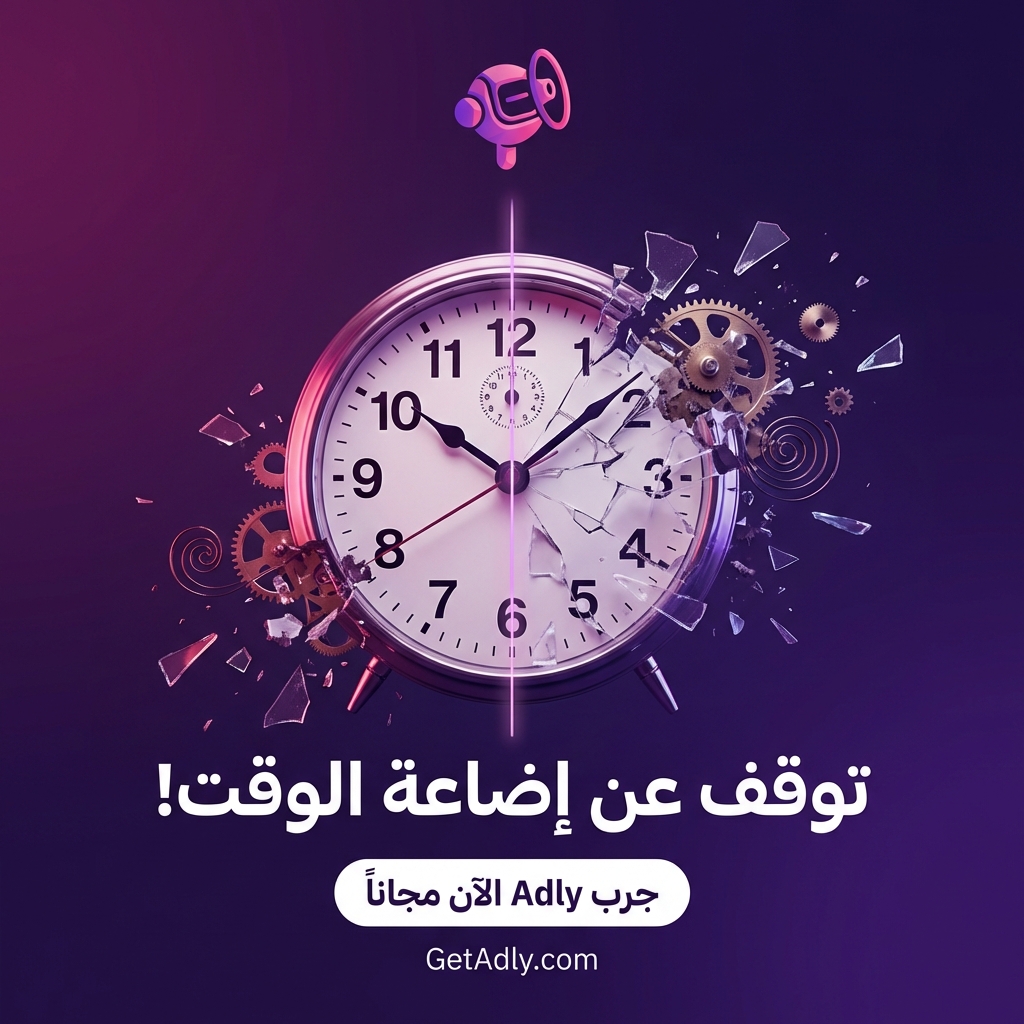
Adly-generated announcement ad creative showing time-saving messaging

Announcement ads that do not look like every other brand

Adly's announcement mode pulls your brand colors, tone, and offer details into a designed layout. The output is ready to approve, not a starting point that needs an hour of manual polish.

When you need to refresh creative for a new week or a new audience segment, you generate a new variant in minutes rather than briefing a designer and waiting two days.

This is what prevents the "same ad, declining results" spiral that kills otherwise healthy campaigns. For a deeper look at how the copy layer works alongside the visual, see how Adly's AI ad copy generator keeps messaging sharp across every variant.

How to Use AI in Ads Without Breaking Your Campaigns

This is the sequence that separates campaigns that scale from campaigns that stall. Every step has a human checkpoint built in.

1

Set your brand profile

Colors, tone, product details, and audience context go into Adly once. Every creative generated after that starts from your brand, not a blank slate.

2

Choose your ad format

Static design, UGC video, multi-scene commercial, product studio, or animated motion ad. Pick the format that fits your campaign goal and audience behavior.

3

Review and approve

Design and copy are both reviewed before anything goes live. Revise individual elements without regenerating the whole creative from scratch.

4

Publish or launch as an ad

Publish to Instagram or Facebook directly, or launch a Meta campaign from the approved asset inside Adly. No re-upload, no format conversion, no lost context.

5

Refresh before fatigue hits

Generate new variants when frequency starts climbing. Because Adly already knows your brand, each refresh takes minutes, not another full creative cycle.

Multi-Scene Commercials Without a Production Budget

The most effective video ads in 2026 follow a clear structure: hook, product moment, proof, call to action. That is a 4-scene commercial, and it used to require a video team to produce.

Scene Studio inside Adly lets you build that structure scene by scene, up to 6 scenes and roughly 60 seconds total. You can let AI plan the scene breakdown automatically from a brief, or write each scene yourself in the manual editor.

  • Auto-plan or manual scene structure, your choice
  • Voice narration with mood and dialect lock across all scenes
  • On-screen text per scene, music continuity across cuts
  • Timeline editor: rearrange, trim, regenerate individual scenes
  • Export stitches scenes with crossfade-friendly transitions
  • 9:16 or 16:9 aspect ratio for feed or story placement

When AI Ads Actually Work: A Practical Summary

AI-generated ads perform well when 3 conditions are met. First, the tool has brand context before generating anything: your colors, voice, product details, and audience. Second, a human reviews and approves both the visual and the copy before the ad goes live. Third, creative variants are refreshed regularly so Meta's algorithm always has fresh signals to optimize against. When these conditions exist, AI ads tend to outperform manually produced ads on speed, volume, and cost per creative. When they are missing, you get the generic, fatigue-prone output that gives AI advertising a bad reputation. Adly is built around all 3 conditions as the default workflow, not optional settings.

Common Doubts

Questions Marketers Ask Before Switching to AI Ads

Will Meta penalize AI-generated creatives?
Meta's auction does not care how a creative was made. It cares about engagement rate, relevance score, and creative quality signals. A well-designed, brand-consistent AI creative performs the same as a human-designed one. The penalty comes from low-quality or policy-violating content, not from AI origin.
Does AI creative lead to brand inconsistency over time?
Only if the tool has no brand memory. Adly's brand profile carries your visual identity, tone, and product context into every job. The 10th ad you generate looks like it belongs to the same brand as the first, because it does.
Can I use AI ads for a niche or specialized industry?
Yes. Adly supports local businesses, ecommerce, service brands, clinics, restaurants, agencies, and more. The brand profile and job types adapt to your category. You are not locked into a generic template that was designed for a different industry. For a practical look at what this costs across tools, the guide to budget-friendly AI advertising platforms breaks down the real options.
What if I already use Claude or ChatGPT for marketing?
Adly works alongside the AI tools you already use. Through Adly MCP, you can create UGC videos and ad creatives from Claude with Adly without switching context. Your AI assistant handles strategy and prompting; Adly handles on-brand production and approval.
How do I build a real strategy behind the ads, not just generate creatives?
Creative without strategy is exactly what causes the performance problems this guide describes. If you want to build the full picture, the workflow guide on how to build a complete marketing strategy with Claude and turn it into social media posts and ads shows how to connect strategy to execution in one flow.

Motion Ads

Animated Product Ads That Actually Stop the Scroll

Static images work. But in a feed full of video, motion ads consistently earn more attention. Adly's animated video ad mode turns a product brief into a polished motion asset without a video editor.

From product image to motion ad in one session

Adly's animated video ad mode takes your product image or brief and generates a cinematic motion sequence with lighting, movement, and brand-consistent treatment.

You review the output, approve or request changes, and publish directly to Instagram or Facebook. The entire cycle from brief to live ad happens inside one platform.

For campaigns that need a longer narrative, Scene Studio extends this into a full multi-scene commercial with voiceover, on-screen text, and music across up to 6 scenes.

Create your first motion ad

The Ads Are Only as Good as the Strategy Behind Them

What most AI ad tools skip

Most AI ad generators start at the creative layer. They give you a design and a caption and call it done. But the creative is the last 20% of the work. The 80% that determines whether a campaign succeeds is the audience definition, the offer structure, the funnel logic, and the messaging hierarchy.

When you skip that groundwork and go straight to generating ads, you end up with polished creative for the wrong message aimed at the wrong audience. That is how AI ads kill campaigns, not through bad design, but through missing strategy.

How Adly connects strategy to execution

Adly's Autopilot assistant acts as an in-app marketing strategist. You can brief it on a campaign goal, get a structured content plan, and then launch the actual creative jobs from the same conversation. Strategy and execution stay in the same workflow.

If you prefer to work from Claude or another AI assistant, Adly MCP connects your external AI tools to Adly's production engine. You build the strategy in Claude, then trigger real Adly creative jobs without switching platforms. The guide on how to build a complete marketing strategy with Claude and turn it into social media posts and ads walks through this workflow in full.

Your AI Ads Should Be Working Harder Than This

Adly gives you brand-aware creative, structured approvals, video formats that convert, and Meta campaign launch from one platform. Start a campaign today and see the difference a real workflow makes.

Start Free with Adly AI